A what's-on screen for your village hall that looks after itself.
Put a screen in the foyer. It shows what's on today, what's coming up, the weather and how to get in touch, and it keeps itself up to date from your hall's own calendar. No one has to remember to change a poster.
Get HallBoard for your hall See how it works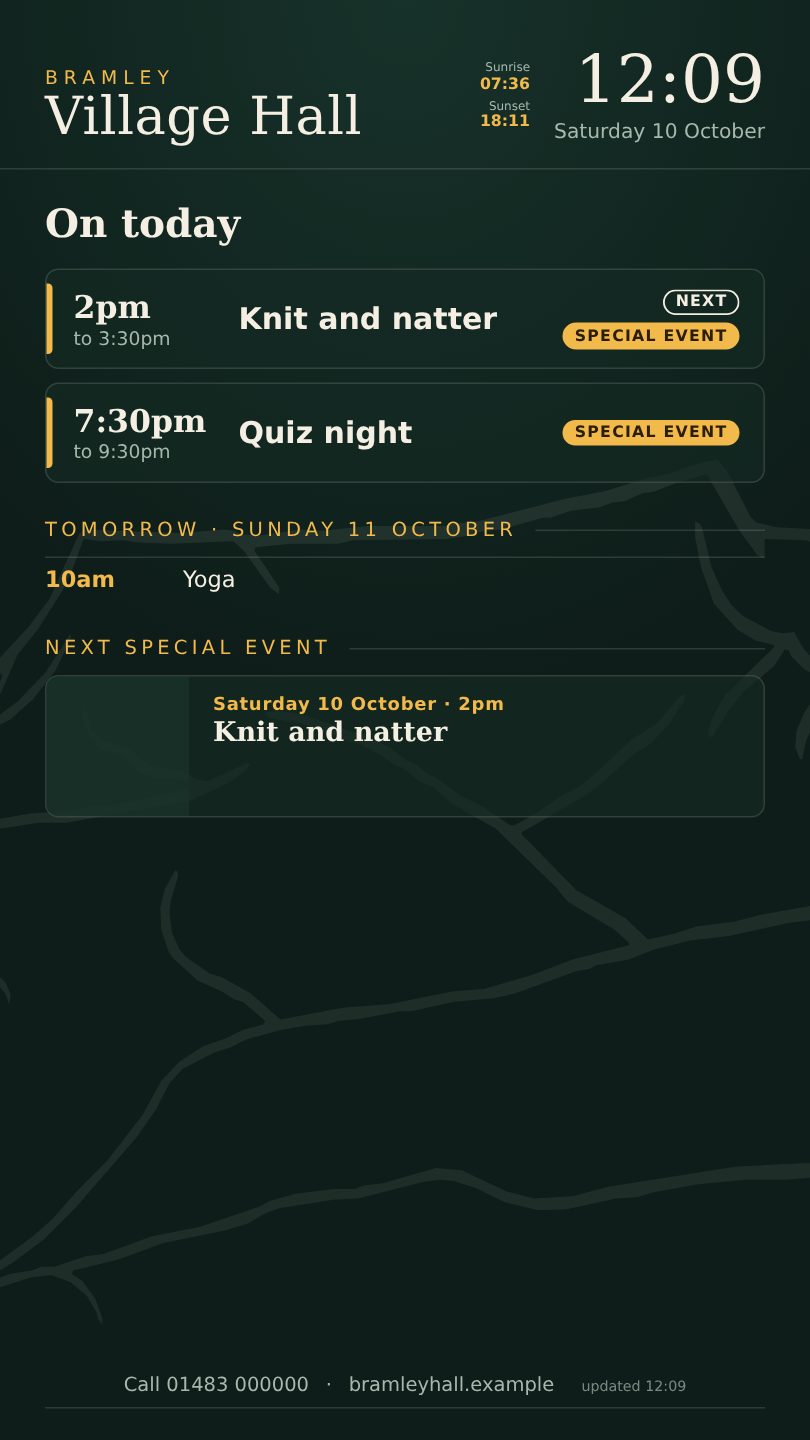
Up and running in an afternoon
If your hall already keeps a Google Calendar (or any calendar that can share an iCal link), there is nothing to retype.
Tell us your hall and postcode
We set up your own address, such as yourhall.hallboard.uk, and the screen works out your local weather and rivers from the postcode.
Paste in your calendar link
Whatever you add to the hall calendar appears on the screen within minutes, including repeating events like yoga or the toddler group.
Plug in a screen
Any TV or monitor with a browser will do. Or we can send a ready-to-plug-in HallBoard Player that opens your board by itself when it's switched on.
What's on the screen
Pages rotate every 20 seconds or so, and big enough to read from across the room. You choose which pages to show and in what order.
On today and coming up
Today's events with a clear "next" marker, tomorrow, and the days ahead, taken from your calendar.
Local weather
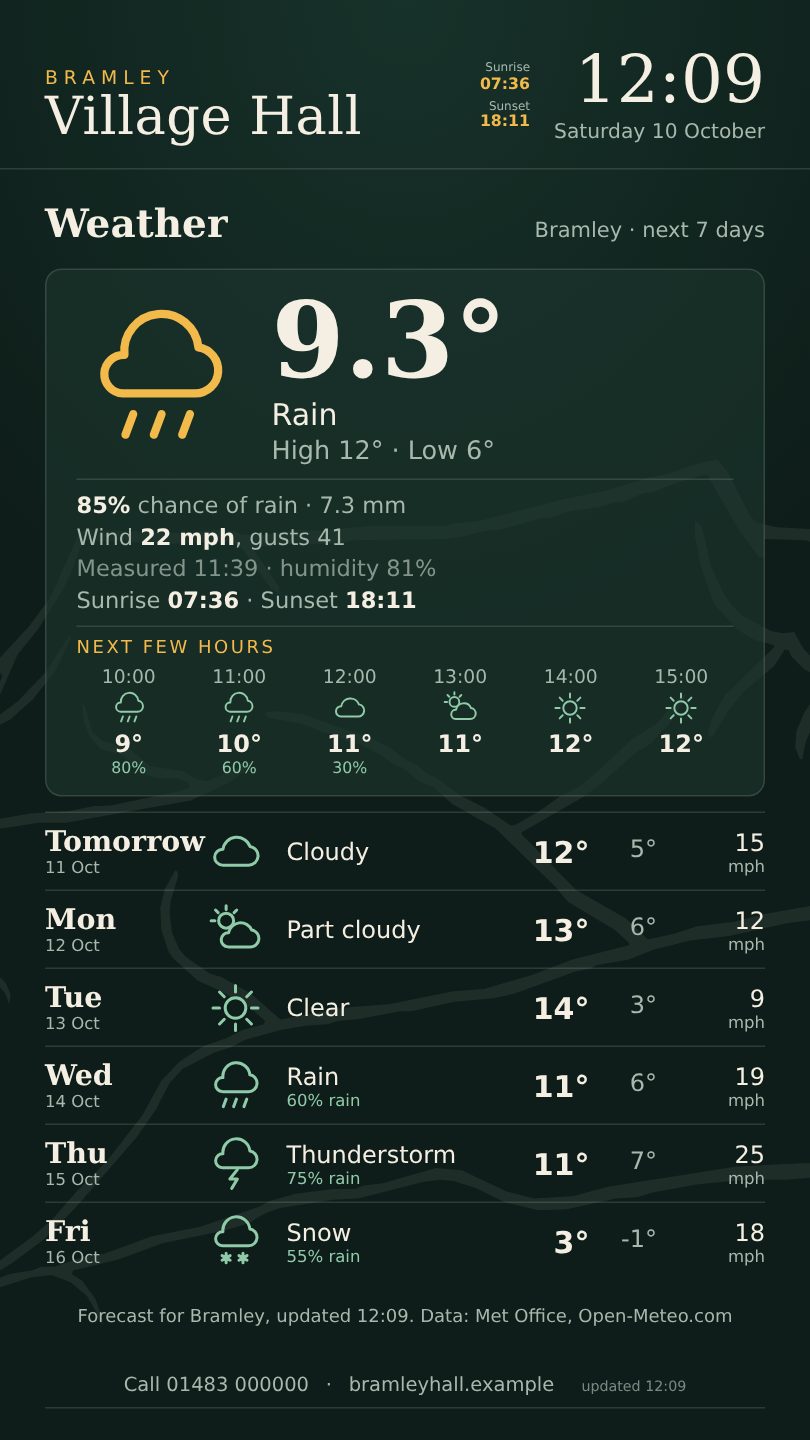
A forecast for your postcode, the next few hours, and weather warnings if there are any.
Rivers and flood warnings
Levels from the nearest Environment Agency gauges and any flood warnings, worth having in a valley or by a river.
Posters and notices
Upload a poster or PDF and choose the dates it shows. It disappears by itself when the event has passed.
Special events
Give a big occasion its own full-screen page with a photo, price and a QR code to book.
Hall hire and local taxis
A page to tell visitors how to hire the hall, with a QR code, and a list of taxi numbers.
A simple admin page lets any volunteer put up a banner (such as "Café closed today"), show where the defibrillator is, and hide the names of private bookings.
Simple pricing
One price per hall. No contract to tie you in, and no charge per screen or per event.
HallBoard
- Your own address, yourhall.hallboard.uk
- All the pages above
- Admin page for your volunteers
- Help getting set up
- Works on as many screens as you like
HallBoard Player
- A small plug-in box for your TV
- Set up and tested before it's sent
- Plug into any HDMI screen and power
- Opens your board automatically
- Or use a screen you already have
Questions
What screen do we need?
Any TV or monitor with an HDMI socket, landscape or portrait. A small plug-in box such as our HallBoard Player or a smart TV with a web browser will show it.
We don't use Google Calendar. Can we still use it?
Most calendars (Outlook, Apple, and many hall-booking systems) can share an iCal link, and that is all HallBoard needs. If you are unsure, send us a note and we'll look at what you have.
Who looks after it?
The screen updates itself, so there is nothing to maintain. If your internet drops, it keeps showing the last information it had.
Can we show the hall's own bookings or room timetable?
Not yet. Today it shows your calendar. If you'd like another booking system connected, tell us which one you use.
Is it only for village halls?
No. Church halls, community centres, scout huts, sports clubs and cafés can use it too.
Where is our data kept?
Your notices and settings are stored with Cloudflare, the same service that runs a large part of the internet. We don't collect anything about the people who look at your screen.
Get HallBoard for your hall
Tell us about your hall, then pay securely with Stripe. Your board is ready straight away.